| Readme: | Short: Papio-Office - The office suite for MorphOS
Author: Yannick Buchy
Type: misc/office
Version: 1.4
Architecture: ppc-morphos
Requires: MorphOS 3.20+
============================================================================
PAPIO-OFFICE
The office suite, whole
Version 1.1
============================================================================
WHAT IS IN THE DRAWER
---------------------
Papio-Office the launcher: puts the programs you pick on the screens
you pick, in one gesture
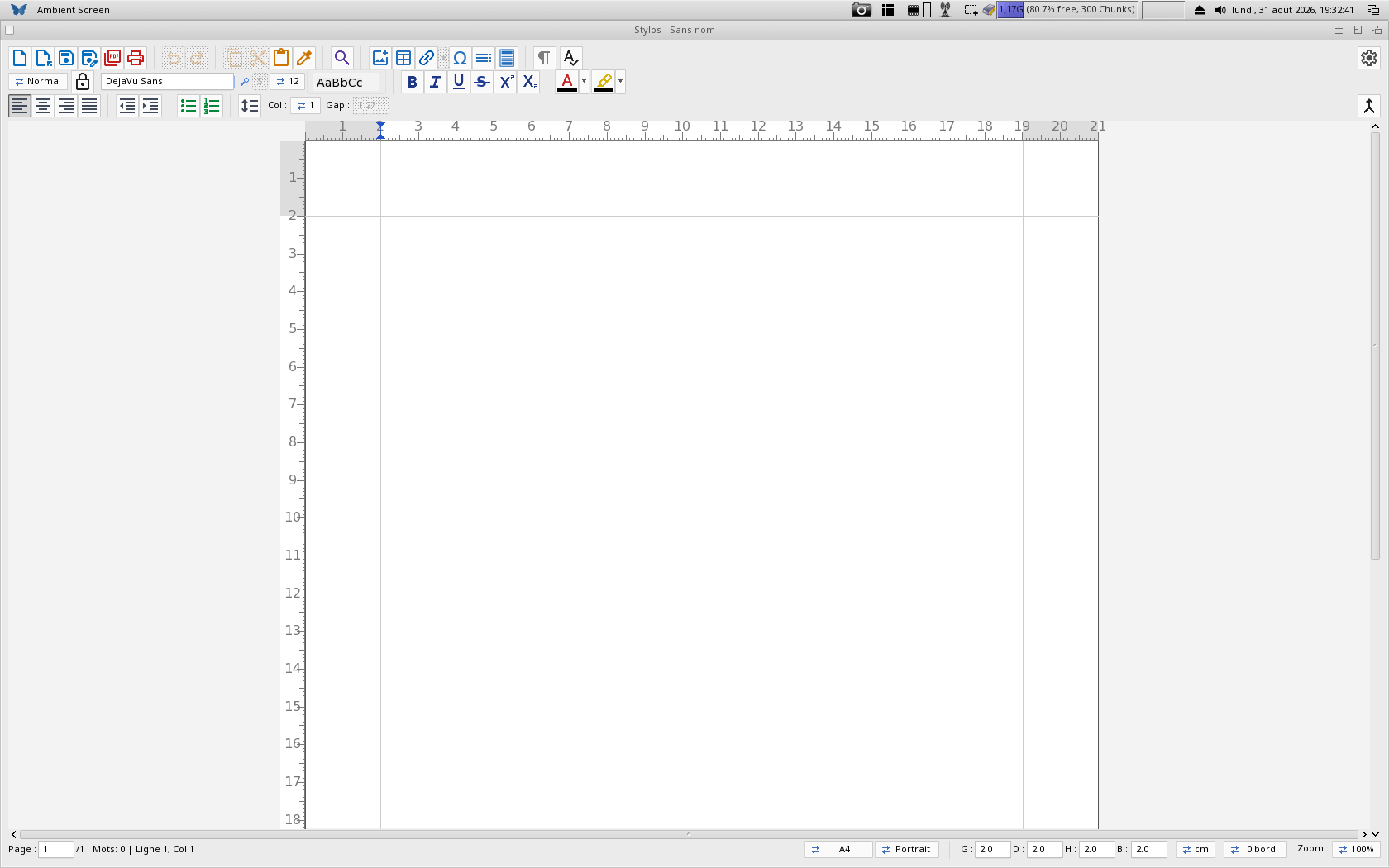
Stylos word processor
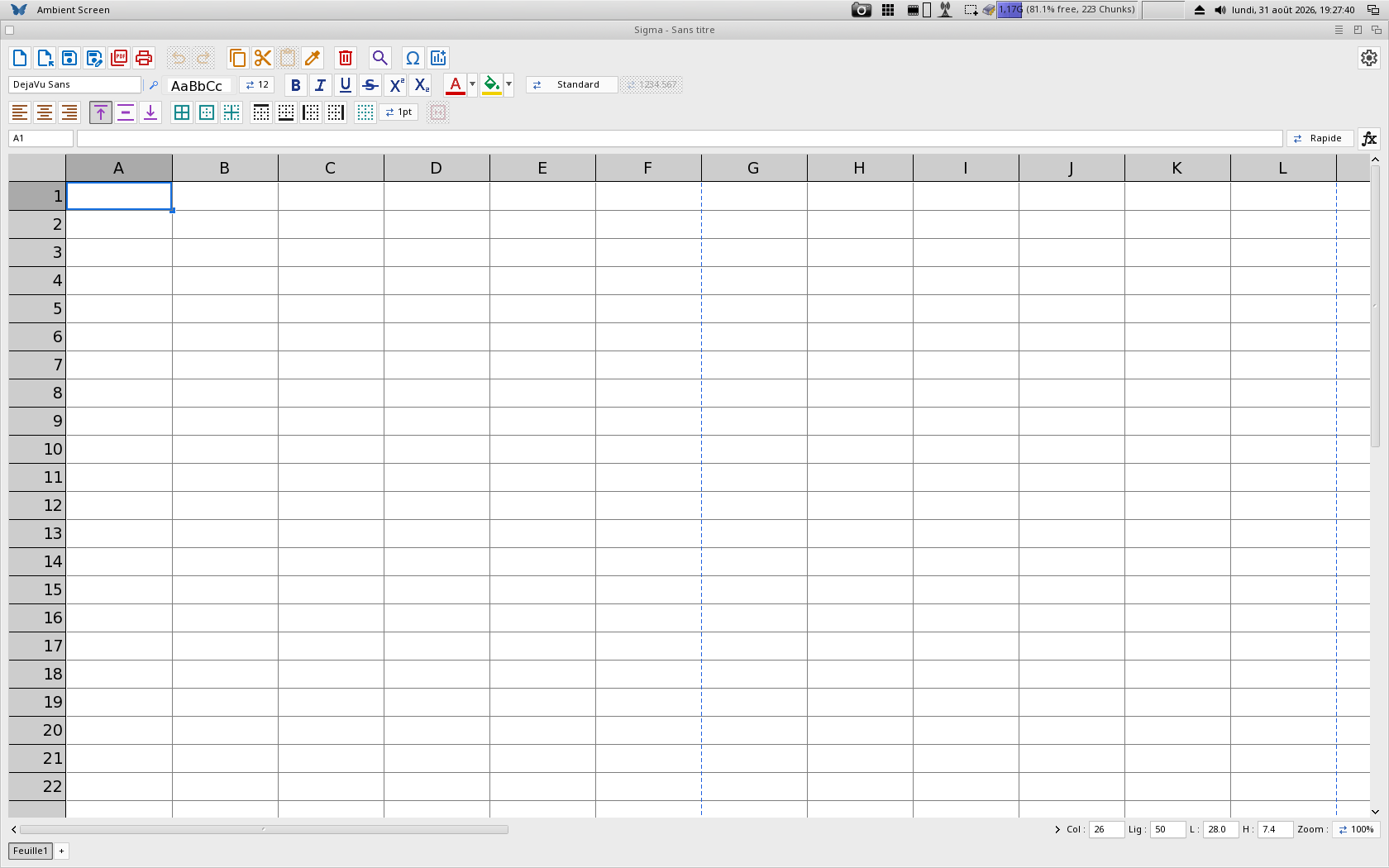
Sigma spreadsheet
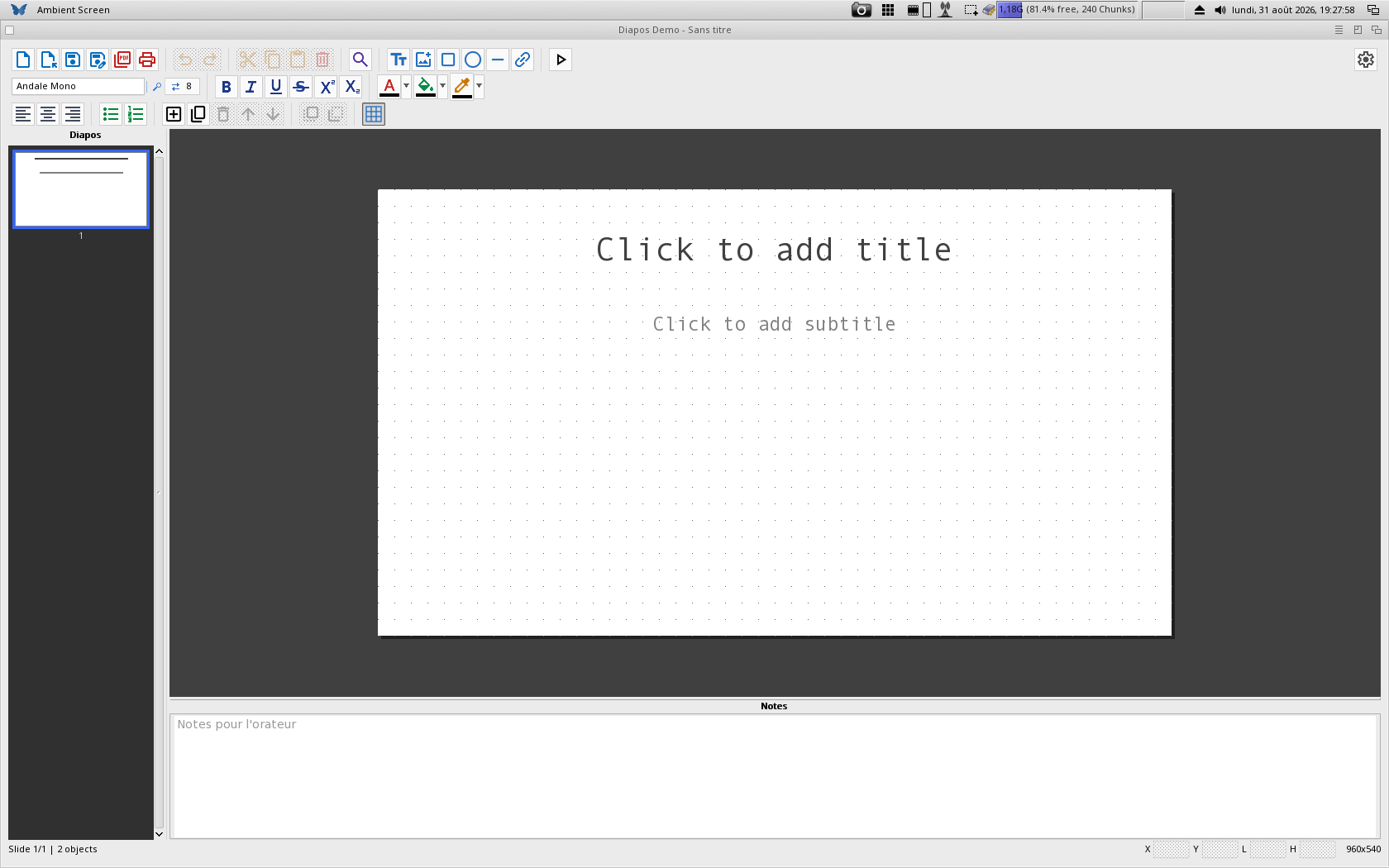
Diapos presentations
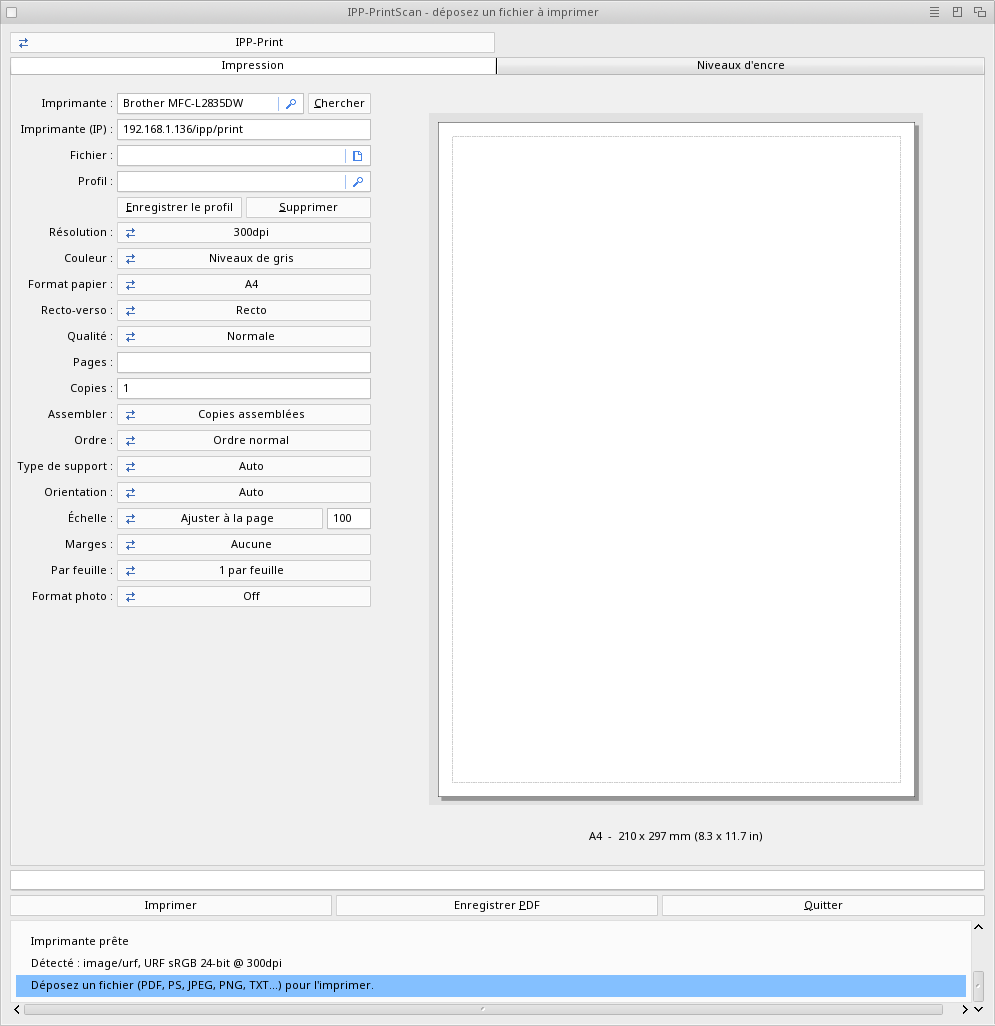
IPP-PrintScan driverless printing and scanning (IPP / AirPrint, eSCL)
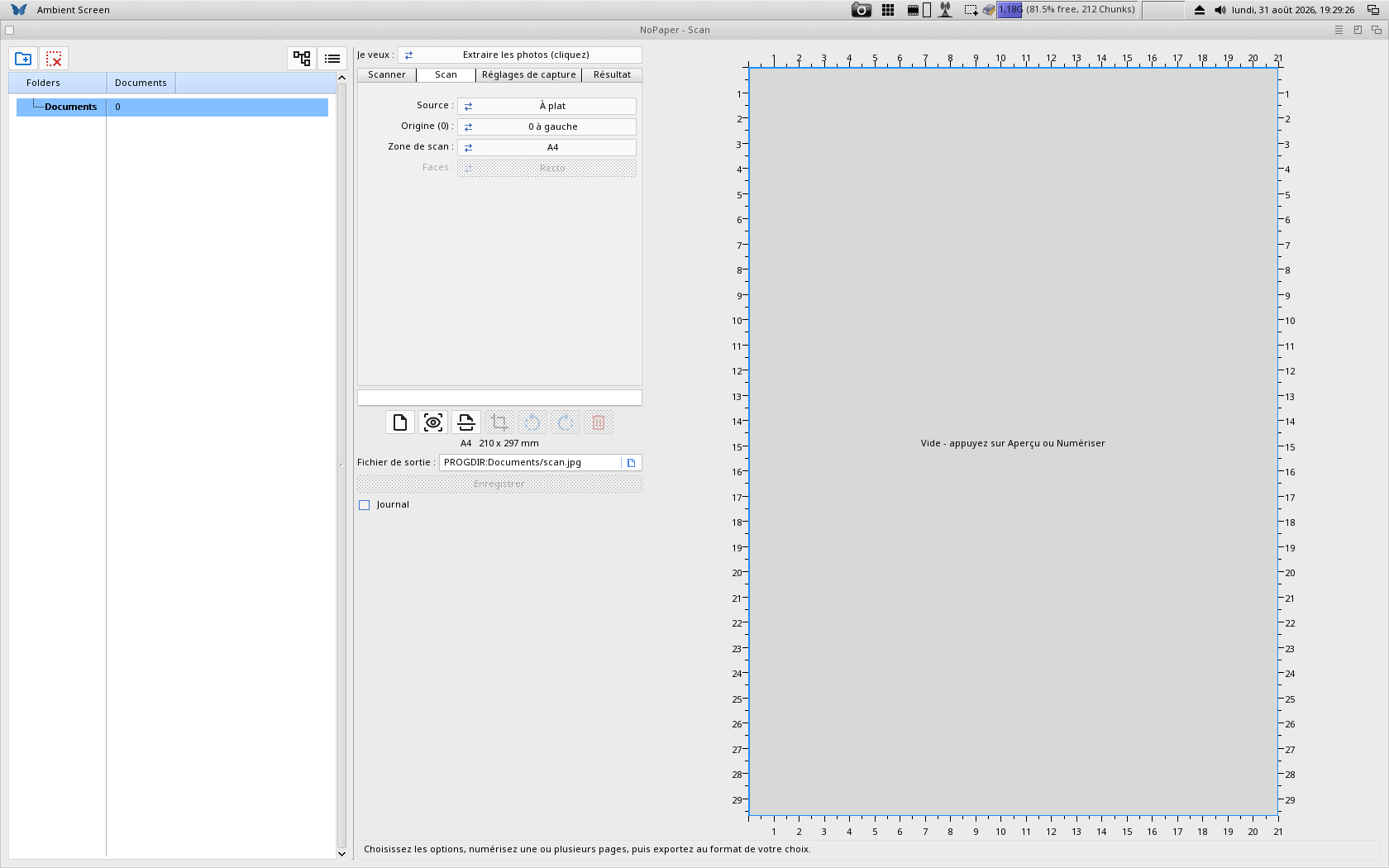
NoPaper scanner and paperless document manager
Papio-RegTool registration: pick an offer and register - one window
Shared what the programs share: the fonts - DejaVu Sans and
DejaVu Sans Mono, each in regular, bold, oblique and
bold oblique, plus the CJK, Devanagari and Thai faces -
Ghostscript 10.07 native PPC used for printing and for
the print preview, and the OCR engine. Every font ships
with its licence, in Shared/Fonts/Licenses
Catalogs the languages of the launcher and of Papio-RegTool
Each program has its own readme in its own drawer. Read those for what each
one does; this one is only about the pack.
INSTALLING
----------
Unpack the archive wherever you like - Work:, an SD card, anywhere. Nothing
is written outside the drawer: every program keeps its settings in its own
drawer, and none of them touches ENVARC: or your system preferences.
To remove it, delete the drawer.
Move the Papio-Office drawer wherever you like, but do NOT move the drawers
inside it, and do not rename them. Each program looks one level up from its
own drawer to find "Shared", where the fonts, GhostScript and the OCR engine
sit. A program taken out of the Papio-Office drawer still starts, and says
nothing: the loss only shows the day you print, ask for a print preview, or
run the text recognition on a scan - and then nothing works and nothing
explains why. The "Shared" drawer must keep its place and its name for the
same reason.
The GhostScript drawer must stay whole: "gs", "Resource" and "iccprofiles"
have to sit together, because gs finds its own files next to itself.
THE LAUNCHER
------------
Papio-Office looks for the programs beside it and shows the ones it finds. A
program you delete simply stops appearing - nothing breaks.
Pick a program, pick where it goes, press Launch. Clicking an icon opens
that one program, on the screen you dropped it on.
With two screens, the launcher draws them the way you arranged them in the
MorphOS Monitors preferences - side by side, or one above the other. Press
"Identify" and it puts a large 1 and 2 on the screens themselves, so you can
tell which map is which monitor. "Swap screens" is there for the day you swap
two monitors on the desk without reopening those preferences.
BACK UP YOUR WORK
-----------------
No program is free of faults, and a document exists in one place until you
copy it somewhere else. Keep your documents on a second disk, and copy them
before a long piece of work.
Stylos, Sigma and Diapos can save by themselves at an interval you choose,
and offer to recover after a crash - switch it on in their preferences. That
is a help, not a substitute for a copy elsewhere.
This is written as advice, not as a disclaimer. French law does not let a
seller sign away what it owes its customers, and your legal warranty of
conformity applies in full. If a program of this pack loses your work through
a fault of its own, tell me: I fix what I can, and I would rather hear about
it than not.
THE DEMO
--------
Every program in the pack is a demo. Everything can be tried; what needs a
registration is saving your work - and, for IPP-PrintScan and NoPaper,
printing and saving a scan.
Registration follows your MorphOS registered user name -- there is no key to
type. Open Papio-RegTool and pick your offer; you then receive the pack with
the programs you registered for, unlocked.
OFFERS
------
Stylos (word processor): 39.90 euros
Sigma (spreadsheet): 29.90 euros
Diapos (presentations): 29.90 euros
IPP-PrintScan (printing and scanning): 19.90 euros
NoPaper (scanning and document management): 19.90 euros
Papio-Office, the whole suite - all five: 89.90 euros
Every offer includes all future updates, free of charge.
Already registered? The suite costs 89.90 euros minus your earlier
registrations, so nothing is ever counted twice. Papio-RegTool carries the
two upgrades directly:
I have Stylos + IPP-PrintScan 40.00 euros
I have Stylos + Sigma + IPP-PrintScan 20.00 euros
Registrations made for IPP-Print and IPP-Scan already work with IPP-PrintScan:
there is nothing to do and nothing to register again.
HISTORY
-------
The history of the whole pack is in History.txt, beside this file. It holds
what changed in every program at once, then what changed in each of them.
THANKS
------
The MorphOS Team, for MorphOS.
CptBlood, for testing all of it - the programs, the printing and the
scanning.
Geit, for the interface review, the German wording and the ideas behind it.
NewSense, Sprocki, Polymere, Thomas Igracki, Develin4k, jPV, Matt3k,
Templario, Analogkid and Highlander, for bug reports and suggestions.
Skateman, for the videos.
Flegy for the Czech translation, and Tomek for correcting it.
And every registered user, for the support that keeps this going.
AUTHOR
------
Yannick Buchy - papiosaur
https://www.papio-software.com
Third-party software in this drawer, with its licence beside it:
Shared/GhostScript/ Ghostscript 10.07, Copyright Artifex Software,
AGPLv3 - see LICENSE in that drawer. The MorphOS
PPC port is mine.
Shared/OCR/ Tesseract and Leptonica, under their own licences -
see the Licenses drawer there.
|


 Ambient (151)
 Papio-Office_1.4.lha