| Readme: | VCMI 1.7.5 MorphOS Port
***********************************
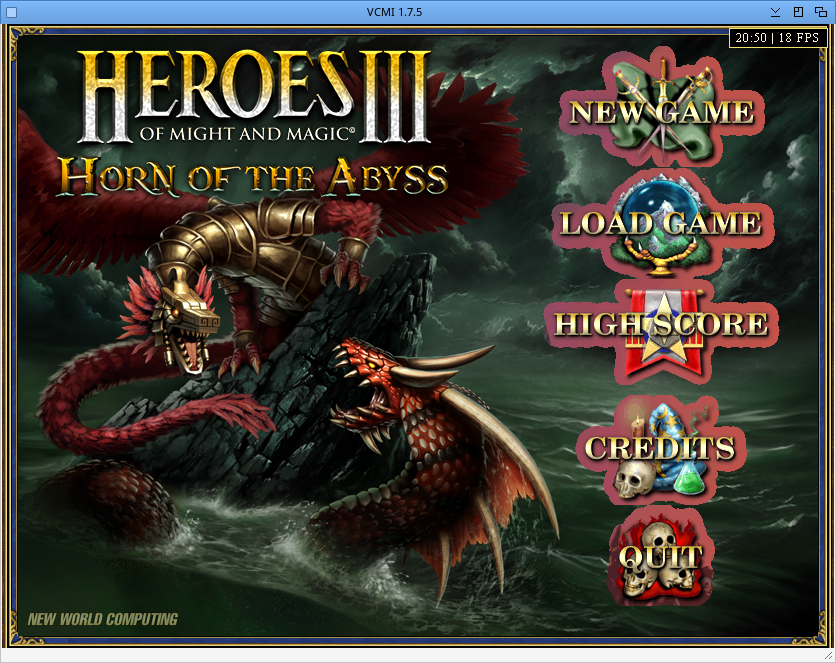
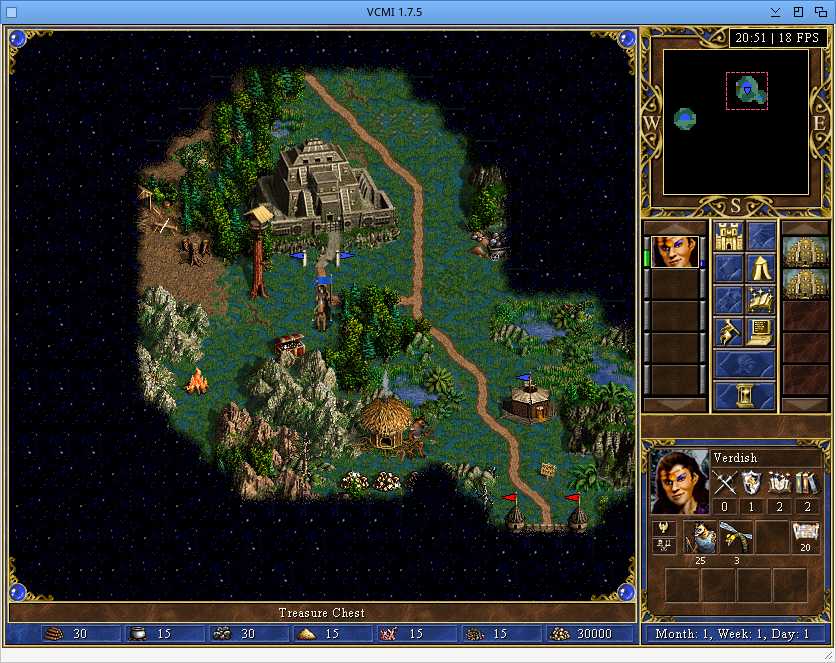
VCMI is an open-source engine for Heroes of Might and Magic III: the
original game with a modern engine, higher resolutions, many fixes, and
hundreds of mods (new towns, expansions like Horn of the Abyss, maps...).
This is its port to MorphOS.
- Website: https://vcmi.eu
- Sources: https://github.com/vcmi/vcmi
# Requirements
- MorphOS 3.20 or newer (the launcher downloads mods through
openssl4.library)
- SDL2 2.32.11 library : https://www.morphos-storage.net/?find=SDL_2
- A graphics card with OpenGL support. (I test only on my Mirari 1.6Ghz....)
- Heroes of Might and Magic III: Shadow of Death or Complete edition
(GOG, CD...). Restoration of Erathia alone and the HD Edition are
not supported
- About 1 GB of free disk space for the Heroes III files
(VIDEO.VID alone is about 500 MB), more for mods
# Installation
1. Extract the archive where you want, for example Work:Games/VCMI
2. Install SDL2 if not yet done
3. Start "vcmilauncher"
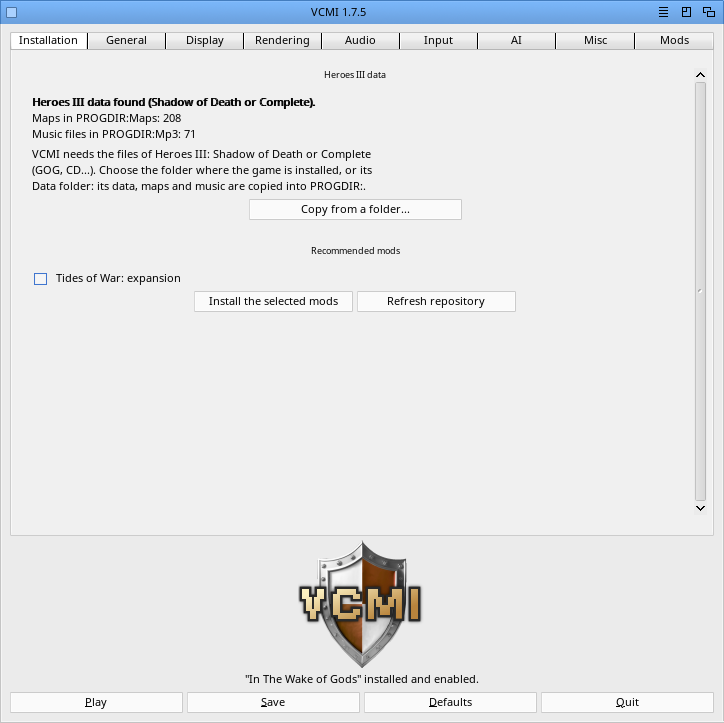
4. Installation tab, "Copy from a folder...": choose the folder where
Heroes III is installed, or its Data folder. The launcher finds and
copies the Data, Maps and Mp3 files into the VCMI drawer.
You can also copy the Data, Maps and Mp3 folders of the game there
by hand
5. Optional: tick the recommended mods (translation into your language,
expansions...) and click "Install the selected mods"
6. Click "Play"
# The launcher
A MUI launcher replaces the Qt one of the other systems. Its texts are
in English, or in the language of the Locale preferences when it has a
catalog for it: Deutsch, Espa�ol, Fran�ais, Italiano, Nederlands,
Polski, Portugu�s.
- Installation: the Heroes III files, the recommended mods
- General, Display, Rendering, Audio, Input, AI, Misc: every option of
the game, saved in config/settings.json. "Defaults" puts them back to
their default values (the languages and the mods do not change)
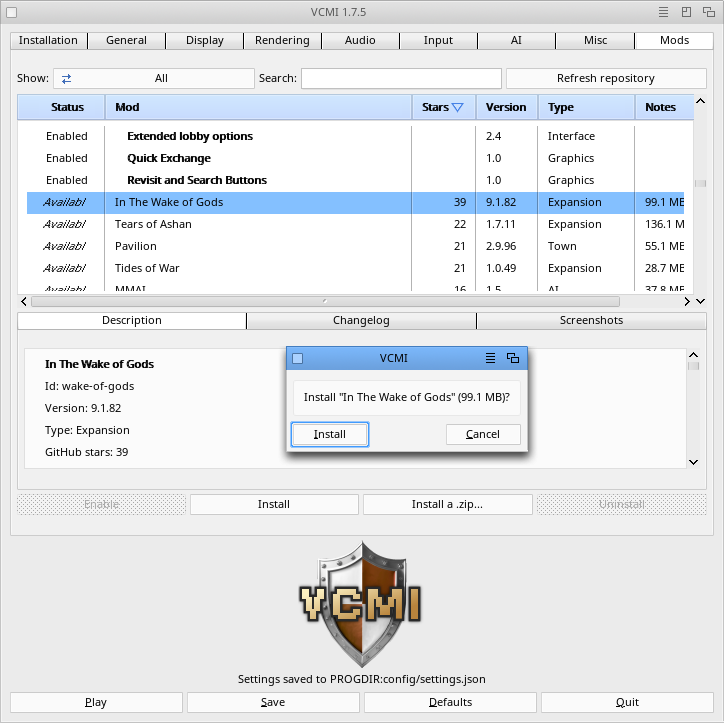
- Mods: the online repository ("Refresh repository"), install, update,
uninstall, enable or disable mods, install a mod from a .zip archive.
Click a column title to sort the list (by name, GitHub stars, type...).
Under the list: description, changelog and screenshots (shown with
MultiView)
- Misc, "Debug console": opens a window with the messages of the game
Mod changes are saved at once. Settings are saved with "Save" or "Play".
Translators: each language is a .ct file in mos/launcher/catalogs (in
the sources), made from vcmilauncher.cd. "make -f Makefile.mos
launcher-catalogs" turns them into Catalogs/<language>/vcmilauncher.catalog
(with perl); FlexCat or SimpleCat work too. New languages and fixes are
welcome.
# The VCMI drawer
- vcmiclient the game
- vcmilauncher the launcher
- config/ the game's configuration and your settings
- Data/ Maps/ Mp3/ the Heroes III files
- Mods/ the mods. Keep Mods/vcmi: it is part of VCMI
- Saves/ your saved games
- logs/ VCMI_Client_log.txt
- cache/ downloads of the launcher (mod list, screenshots)
- images/ pictures of the launcher
- Catalogs/ translations of the launcher
# MorphOS port
- Video support with special "light" FFMPEG libraries (intro, tavern,
battle results, campaigns), with sound
- MUI launcher with mods download and all options
- AIs: Nullkiller2 on the adventure map, BattleAI (or StupidAI) in
battles
- Multiplayer via LAN/WAN is disabled: there is no network play in this
port yet. Hotseat games (several players on the same computer) need
no network
- No map editor
# Speed tips
On a slow computer:
- Rendering: upscaling filter "None" (the xBRZ filters are heavy)
- Rendering: disable the animated terrain and objects
- Display: disable the intro videos
- AI: "Always quick combat" plays battles without the battle screen
- Misc: keep the log level on "Errors" (the default)
# Troubleshooting
- The game log is in logs/VCMI_Client_log.txt. For a bug report, set
Misc > Log level to "Everything (trace)", reproduce the problem, and
send this file
- "Heroes III data missing": see the Installation tab of the launcher
- "Built-in font was not found": Mods/vcmi is missing. Copy it again
from the archive
- The game stops at startup after installing a mod: disable that mod in
the Mods tab
- Do not copy config/settings.json or config/modSettings.json from
another computer or another VCMI version
# History
28.09.2026 - launcher in English, with catalogs in German, Spanish,
French, Italian, Dutch, Polish and Portuguese
- launcher: Installation tab (copy of the Heroes III files,
recommended mods), sortable mods list with GitHub stars,
changelog and screenshots, "Defaults" button
- sound of the videos fixed
- the built-in mod "vcmi" is enabled again when a mods
preset lacks it
- log level "Errors" by default (faster)
# Thanks
- The VCMI team, for VCMI
- The Testers
- The MorphOS Team
- Claude AI for GUI and help to find bug
VCMI is free software under the GNU General Public License v2 or later.
Heroes of Might and Magic III is not included: you need your own copy.
Have Fun !
BeWorld
|


 Ambient (151)

 VCMI_1.7.5.lha