| Readme: | Short: Papio-Design - design and publishing suite (Shareware)
Author: Yannick Buchy
Type: gfx/misc
Version: 1.1
Architecture: ppc-morphos
Requires: MorphOS 3.20+
============================================================================
PAPIO-DESIGN
Photos, page layout, drawing and painting
Version 1.1
============================================================================
WHAT IS IN THE DRAWER
---------------------
Papio-Design the launcher: opens the programs of the pack, each on
the screen and in the part of it you chose
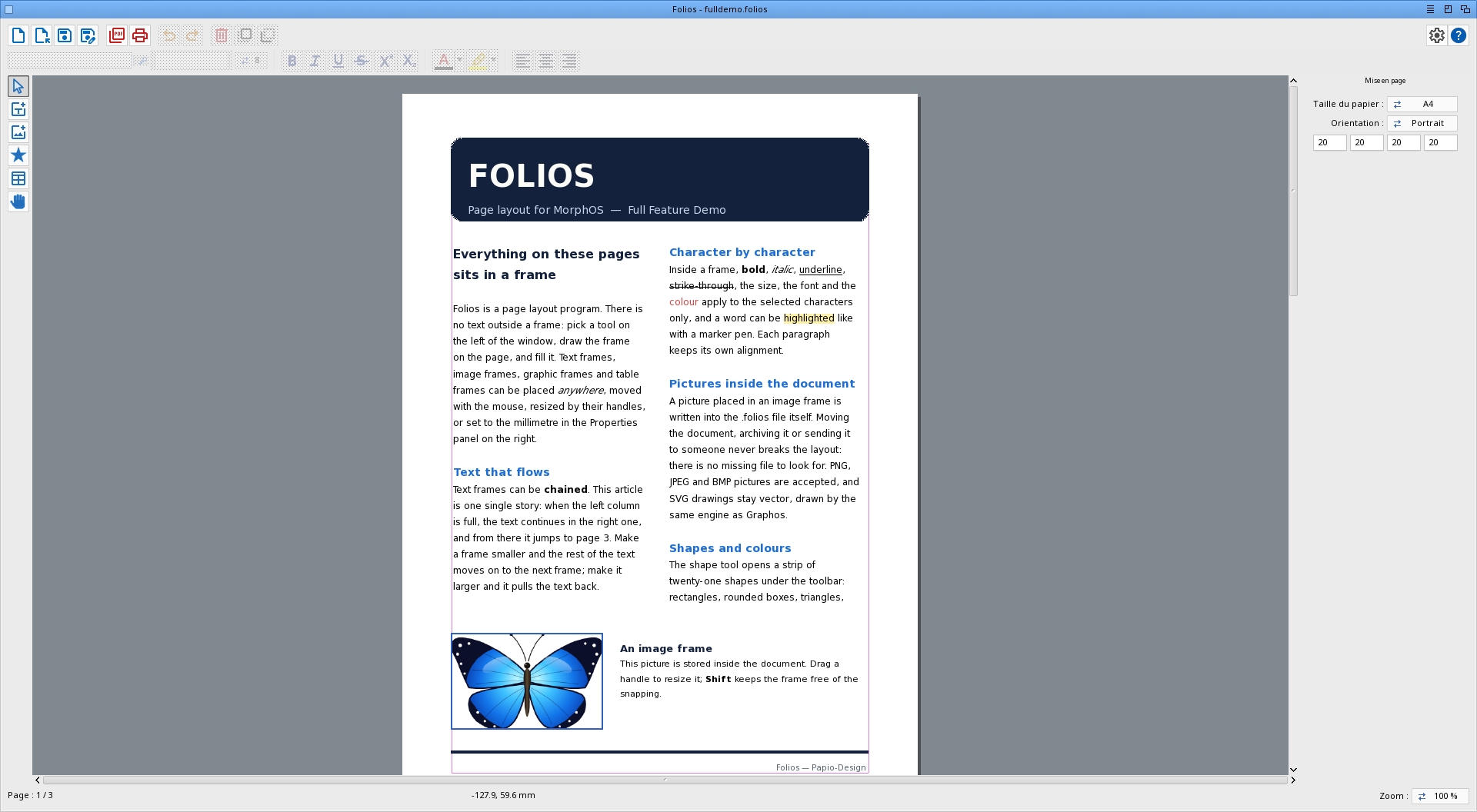
Folios page layout: text, image and graphic frames placed
freely on the page, printed or exported as PDF
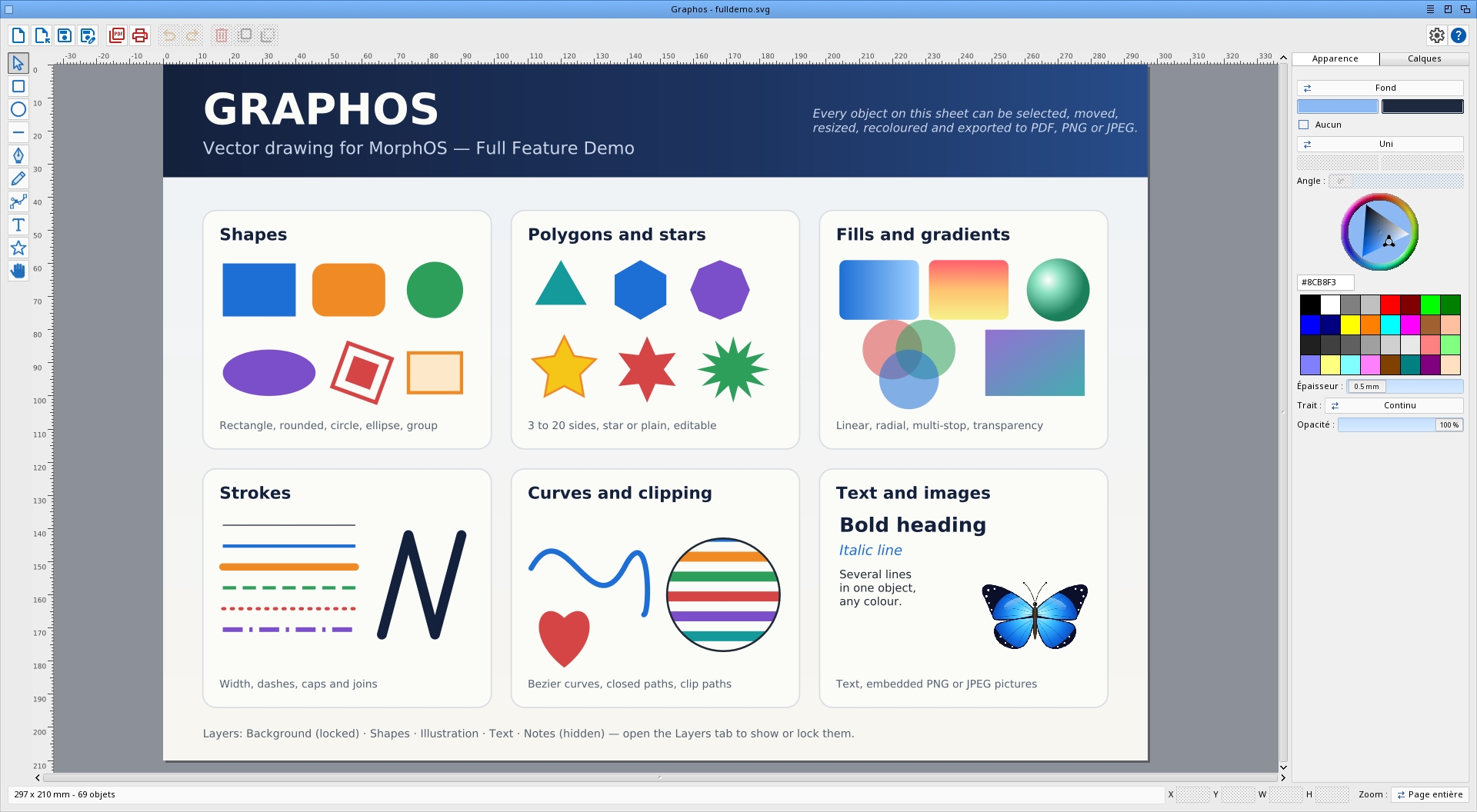
Graphos vector drawing: logos, illustrations, diagrams, with
text and pictures, saved as SVG, exported as PDF, PNG
or JPEG, printed
Momento your photos: browse the folders, sort by date, view,
adjust the colours, print
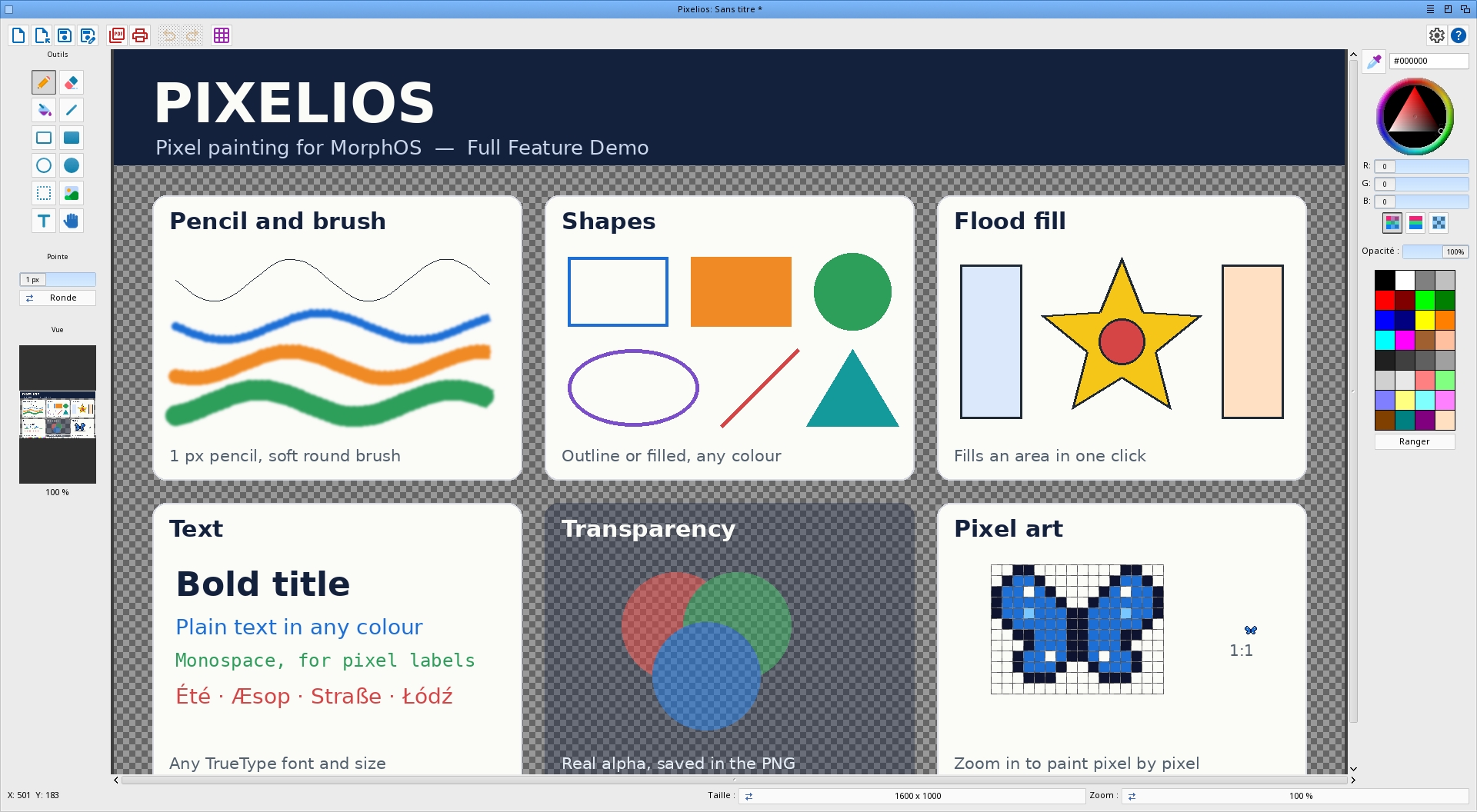
Pixelios pixel painting: pencil, brush, fill, shapes, text, on a
canvas with real transparency, saved as PNG, JPEG, IFF
or BMP, printed (formerly Croquis)
Papio-RegTool registration: pick an offer and register - one window
Shared what the programs share: the fonts, and Ghostscript
10.07 native PPC, used by all four for printing
Each program has its own readme in its own drawer, and its user manual in
the Docs drawer, in the 16 languages of the pack: the "?" button at the top
right of its window opens it. This readme is only about the pack.
INSTALLING
----------
Copy the Papio-Design drawer wherever you like. Nothing is written outside
it: the settings of every program go to its Settings drawer.
Folios, Graphos and Pixelios save a copy of your work by themselves, every
five minutes, in the Autosave drawer beside Settings. After a crash, the
next start offers that copy back; it is deleted when you save or quit
normally. That is a help, not a substitute for a copy elsewhere.
All the programs speak 16 languages and follow the language chosen in the
Locale preferences.
THE DEMO
--------
Every program in the pack is a demo. Everything can be tried; what needs a
registration is keeping your work: saving, PDF export and printing in
Folios, Graphos and Pixelios, and in Momento saving an adjusted picture,
turning a PNG or GIF picture on disk, correcting a date, printing and PDF
export. The title bar says "Demo" until the program is registered.
Registration follows your MorphOS registered user name -- there is no key to
type. Open Papio-RegTool and pick your offer; you then receive the pack with
the programs you registered for, unlocked.
OFFERS
------
Folios (page layout): 29.90 euros
Graphos (vector drawing): 29.90 euros
Momento (your photos): 19.90 euros
Pixelios (pixel painting): 9.90 euros
Papio-Design, the whole pack - all four: 59.90 euros
Every offer includes all future updates, free of charge.
Papio-Design is sold on its own: a registration for Papio-Office does not
unlock it, and the other way round.
TO DO
-----
What is planned next, program by program.
Folios
- Master pages: frames repeated on every page (running head, page
number)
- Text flowing around an image frame
- Guides of your own (frames already snap to the sheet, the margins and
the other frames), rulers in millimetres
- Export a page as a picture
Graphos
- Gradients of more than two colours, dashes of your own
- Text of any length, text along a path
- Union, difference and intersection of shapes
- Guides; a grid spacing of your choice
Momento
- Crop and straighten a picture; automatic levels
- Rename, convert and resize a batch of pictures
- Keywords, and a search in the catalogue
Pixelios
- Layers
- Freehand and magic-wand selections
- More filters: noise, emboss, levels
- Saving in WebP
The pack
- A picture from Pixelios placed in Graphos or Folios with a single
command, and a Graphos drawing opened in Pixelios as a picture
HISTORY
-------
See History.txt.
|


 Ambient (151)
 Papio-Design_1.1.lha