| Readme: | # Pragtical editor
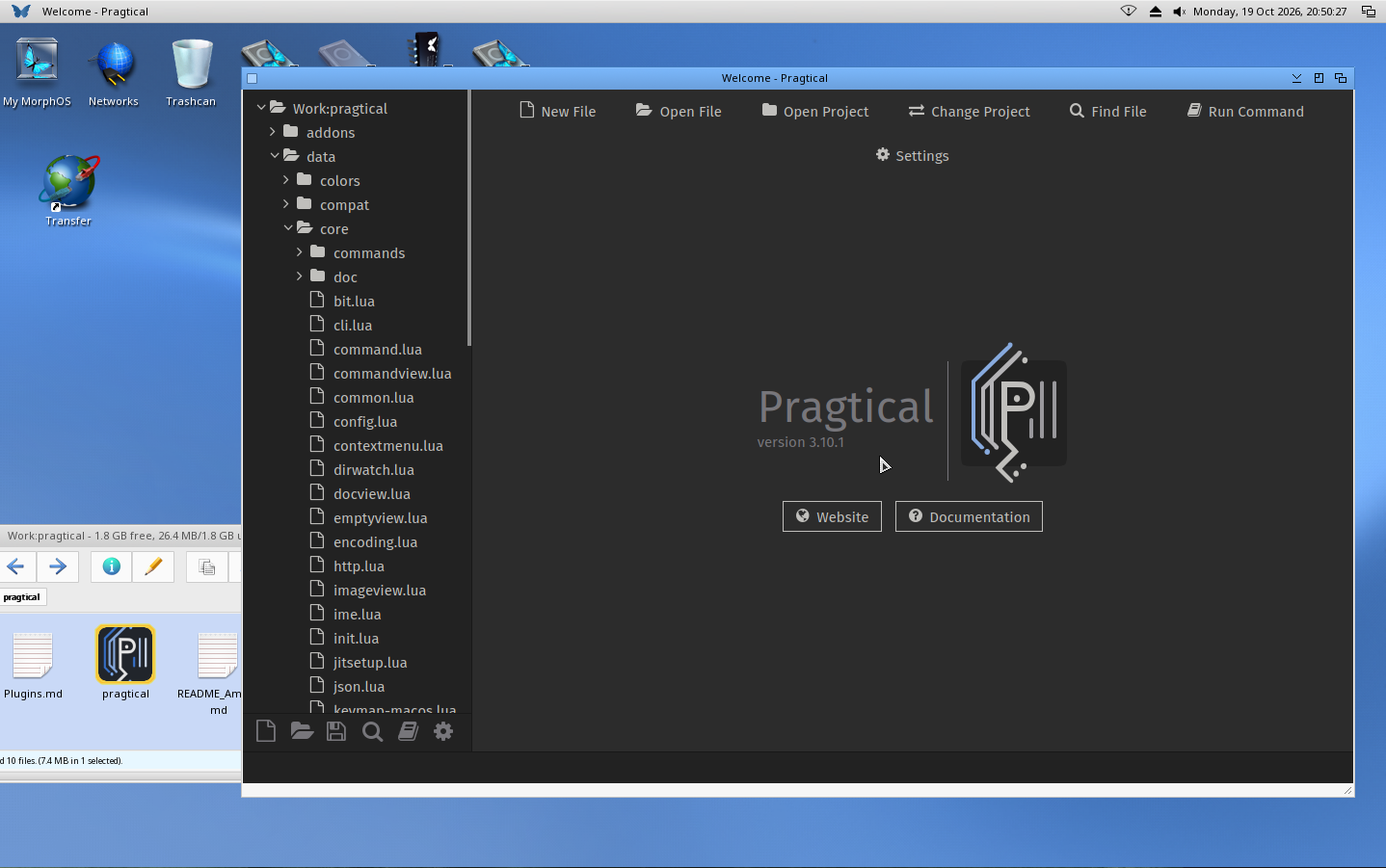
Pragtical is a cross-platform code editor with a modern graphical interface,
developed using C and Lua(JIT), powered by SDL for rendering and input
management. It serves as a lightweight alternative to web-based editors like
VSCode and can be easily extended or themed with Lua plugins.
It is a fork of the Lite XL editor I ported for AmigaOS 4.1 FE and
MorphOS, but this is based on a new implementation of mine, with plenty of
changes. It focuses more on being practical rather than minimalist.
## Installation
You can extract the Pragtical archive wherever you want and run the *pragtical*
binary.
## Configuration folder
This editor creates a `.config` folder where the configuration is saved, as
well, as plugins, themes etc... By default, this version uses the installation
folder, but if you want to override it, you can create an ENV variable
named `HOME` and set there your preferable path.
You can check if there is one already set by executing the following command
in a shell
```
GetEnv HOME
```
If there is one set, then you will see the path at the output.
Otherwise, you can set your home path be executing the following command.
Change the path to one of your preference.
```
SetEnv SAVE HOME "Sys:home/"
```
## Tips and tricks
### Transitions
If you want to disable the transitions and make the editor faster,
open your configuration file by clicking at the cog icon at the toolbar
(bottom left, 6th icon) and add the following line at the end of the file,
and then save it. You might need to restart your editor.
```
config.transitions = false
```
### Hide files from the file list
If you would like to hide files or whole folder from the left sidebar list,
open your configuration by clicking at the cog icon at the toolbar
(bottom left sixth icon) and add the followline at the end of the file and
save it. This hides all the files that start with a dot, and all the `.info`
files. You might need to restart your editor.
```
config.ignore_files = {"^%.", "%.info$"}
```
You can add as many rules as you want in there, to hide files or
folders, as you like.
## I would like to thank
- Capehill for his tireless work on SDL port for AmigaOS 4.1 FE
- Bruno "BeWorld" Peloille for his great work on porting SDL to MorphOS
- Michael Trebilcock for his third party library ports
- Pragtical original team for being helpful and providing info
Without all the above, Pragtical would not be possible
## Support
If you enjoy what I am doing and would like to keep me up during the night,
please consider buying me a coffee at:
https://ko-fi.com/walkero
## Useful links
You can find the known issues at
https://pms.walkero.gr/projects/pragtical-port/issues
The roadmap can be seen at
https://pms.walkero.gr/projects/pragtical-port/roadmap
Any announcements and news will be available at
https://pms.walkero.gr/projects/pragtical-port/news
# Changelog
## [3.10.1] - 2026-10-19
### Changed
- The version for AmigaOS 4 now requires clib4 v2.4 and above
- The processes code changed in AmigaOS 4 following the posix implementation
and using the clib4 for it
- The processes code for MorphOS is disabled for this release
### Removed
- Removed the addons colorpreview, indentguide, minimap, selectionhighlight,
spellcheck, sticky_scroll as they do not work with version. They will be
back in a future version
### Updated
- Updated to the upstream v3.10.1 codebase
## [3.9.0] - 2026-08-22
### Updated
- Updated to the upstream v3.9.0 codebase
- Updated the document files to remove Lite XL references
## [3.8.7] - 2026-07-21
First release for AmigaOS 4.1 FE and MorphOS 3
# Disclaimer
YOU MAY USE IT AT YOUR OWN RISK!
I will not be held responsible for any data loss or problems you might get
by using this software.
|


 Ambient (150)
 Pragtical_3.10.1.lha