| Readme: | EDuke32 for MorphOS 1.0 based on last commit (ec5824db 07.08.2026)
==========================================
EDuke32 (https://www.eduke32.com) ported to MorphOS: the Build engine games,
drawn with TinyGL (OpenGL) or the classic software renderer.
eduke32 Duke Nukem 3D and its add-ons (Duke Caribbean, Duke it out in D.C.,
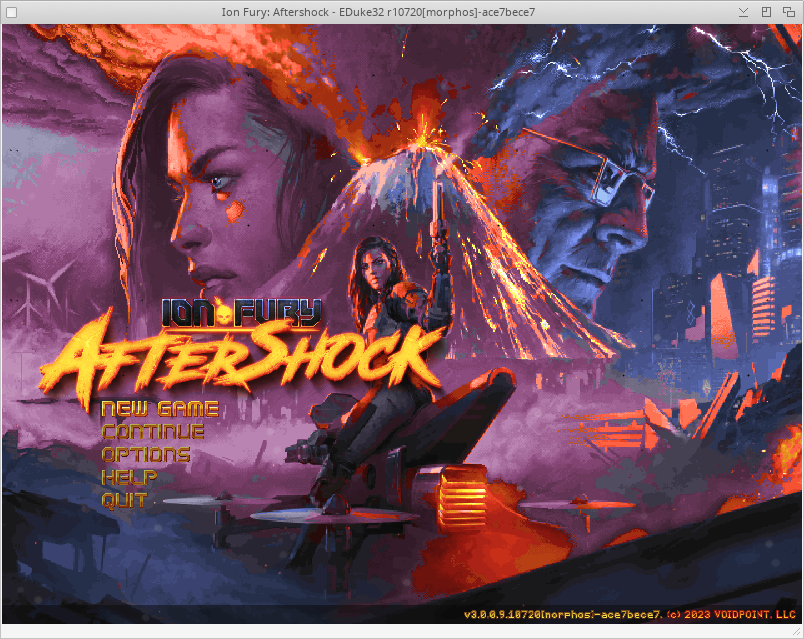
Nuclear Winter...), NAM, NAPALM, WWII GI, Platoon Leader, Ion Fury
voidsw Shadow Warrior (eduke32 lists it too and starts voidsw for it)
The games themselves are not included: you need the original game files.
Requirements
------------
- MorphOS 3.20 or later, with TinyGL, MUI and vorbisfile.library (all part of
MorphOS)
- sdl2.library 2.32 (MorphOS port) in LIBS:
Installation
------------
1. Copy eduke32 and voidsw into a directory of your choice, with a DATA
directory next to them.
2. Copy the game files into DATA/, for example:
DATA/DUKE3D.GRP
DATA/fury.grp and DATA/fury.grpinfo (Ion Fury: the .grpinfo is needed)
DATA/NAM.GRP, DATA/WW2GI.GRP, DATA/PLATOONL.DAT, DATA/VACATION.GRP
DATA/SW.GRP
3. Start eduke32.
Each game keeps its settings, saves and add-ons in its own directory, made at
its first start: DATA/duke3d/, DATA/fury/, DATA/sw/... A pack dropped there
(.zip, .grp) is loaded with that game only, such as a music or voxel pack.
Replacement music can also go into music/<game>/ or music/.
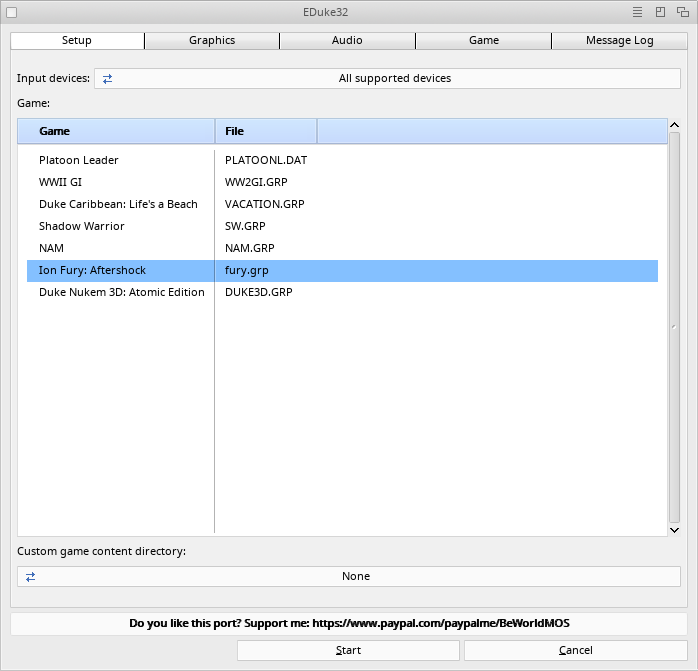
Startup window
--------------
It shows at every start: choose the game, the video mode (windowed or
fullscreen), the input devices and a custom content directory. The Graphics,
Audio and Game pages hold the settings of the game selected:
- Apply to similar games: gives the page's settings to the games of the same
family (the Duke Nukem 3D games together; Ion Fury and Shadow Warrior alone).
- Reset to defaults: puts the page's defaults back (and, on Graphics, the
default video mode).
- Message Log: the startup messages, also written to eduke32.log.
To skip the window, name the game: eduke32 -gamegrp fury.grp
Performance tips
----------------
- 640x480 or 800x600 windowed is the best choice on most machines. Ion Fury
starts at 640x480 without voxels, shadows and fullbright pixels by default.
- Voxels and shadows cost the most; turn them off first.
- With vertical sync on, the frame rate drops to half the refresh rate (30 fps
at 60 Hz) as soon as a frame takes longer than one refresh: turn it off for
more frames per second, at the price of tearing.
- MIDI music uses the first SoundFont of LIBS:soundfonts (Audio page, MIDI
driver), loaded only when a MIDI song plays.
- eduke32 -bench 200 -map <map> measures the speed of a level.
Credits
-------
Build engine by Ken Silverman; EDuke32 by the EDuke32 team (voidpoint.io),
GPL v2 and the Build license. MorphOS port by BeWorld.
Do you like this port? Support me: https://www.paypal.com/paypalme/BeWorldMOS
|


 Ambient (150)

 eDuke32_1.0.lha