| Readme: | Short: SRecord - screenshots, editor and screen videos, MUI
Author: BeWorld
Type: util/wb
Version: 1.0
Architecture: ppc-morphos
Requires: morphos 3.20, muimaster.library, z.library, jfif.library
SRecord takes screenshots, edits them and records the screen.
SCREENSHOTS
- Capture area: the screen freezes; click a window or drag a region
(with a magnifier). Space: whole screen, Esc: cancel.
- Full screen at once, optional delay of 3, 5 or 10 s.
- A window is captured complete, even where other windows cover it
(Enhanced display engine).
- Video overlays (MPlayer with cgx_overlay, SDL) are captured too.
- Each screenshot is saved (PNG or JPEG), copied to the clipboard and
opened in the editor.
- Save as: PNG, JPEG, TIFF, ILBM and the installed picture datatypes.
EDITOR
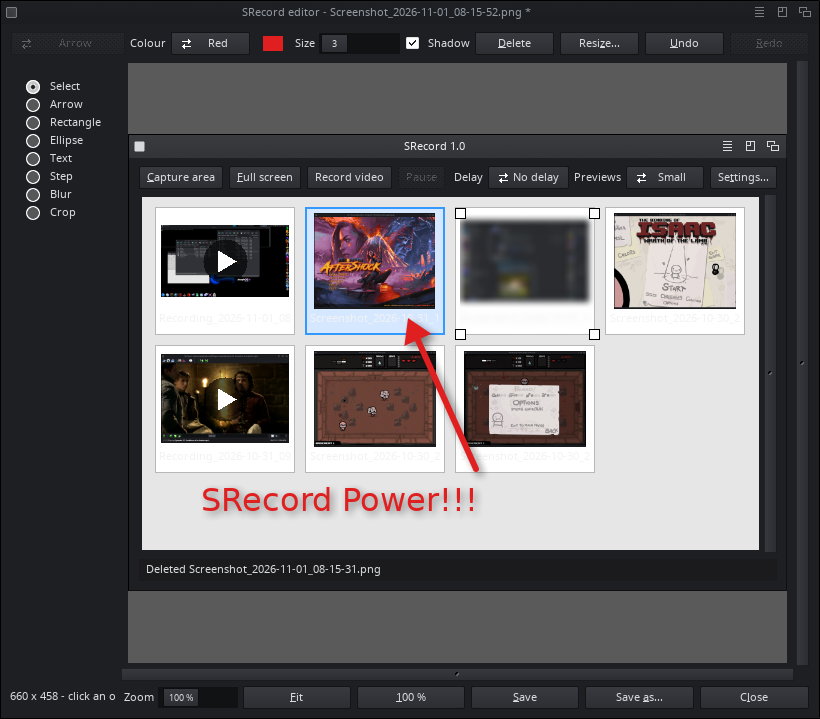
- Arrows (4 styles), rectangles, ellipses, text, numbered steps, blur,
crop, resize.
- Colour, size and shadow; every object stays editable; undo / redo;
zoom.
- The edits are kept: a picture can be edited again later.
VIDEOS
- MP4 (H.264) or animated GIF of a window, a region or the screen.
- Mouse pointer and clicks, pause, stop after a time or a size.
- Built-in GIF player; other videos open in MPlayer.
WORKSPACE
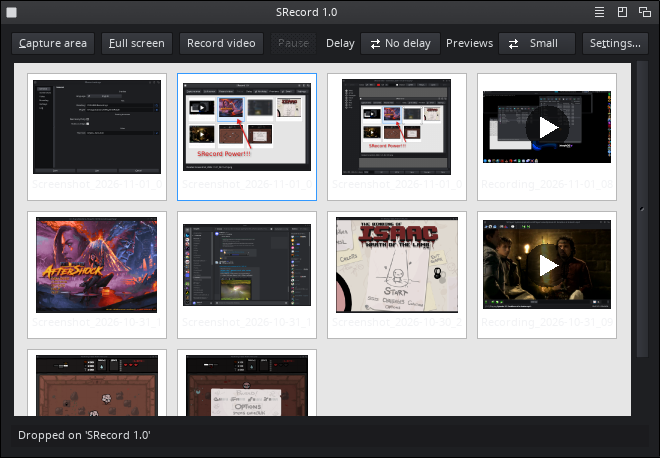
- Previews of all captures, newest first, in three sizes.
- Multiple selection: Ctrl, Shift or a lasso drawn with the mouse.
- Drag and drop: pictures in from Ambient; previews out to Ambient
drawers and to windows that take icons (Accord...).
HOTKEYS (defaults)
Print Screen, ctrl F12 capture area (with Shift: full screen)
ctrl alt s capture area
ctrl alt shift s full screen
ctrl alt r record / stop video
ctrl alt p pause / resume
ctrl alt v show the window
AREXX (port SRECORD.1)
Scripts and other programs can drive SRecord:
CAPTURE, SCREENSHOT, RECORD, STOP, TOGGLE, PAUSE, RESUME, REPLAY,
STATUS, FRONT.
SHELL
SRecord [keywords] [START] [NOGUI] [SCREENSHOT]
The keywords are those of ENVARC:SRecord.prefs; they also work as
icon tooltypes.
LANGUAGES
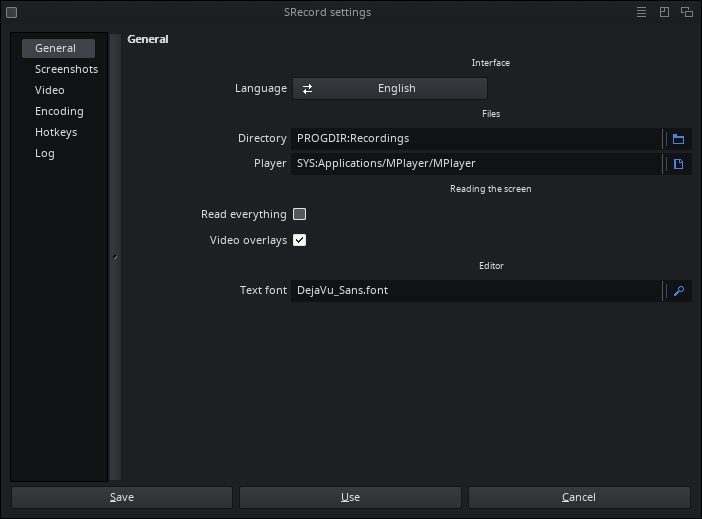
17 languages, the system's (Auto) or one chosen in the settings.
Copy catalogs/<language>/SRecord.catalog to LOCALE:Catalogs/<language>/.
LOG
On the Log page of the settings and in PROGDIR:SRecord.log.
SUPPORT
Do you like SRecord? https://www.paypal.com/paypalme/BeWorldMOS
LICENSE
Copyright 2026 BeWorld. GPL (x264 is GPL).
|


 Ambient (150)
 SRecord_1.0.lha